A Beginner's Guide to Smart Home Voice Assistants
by Tech Guide Team Smart Home
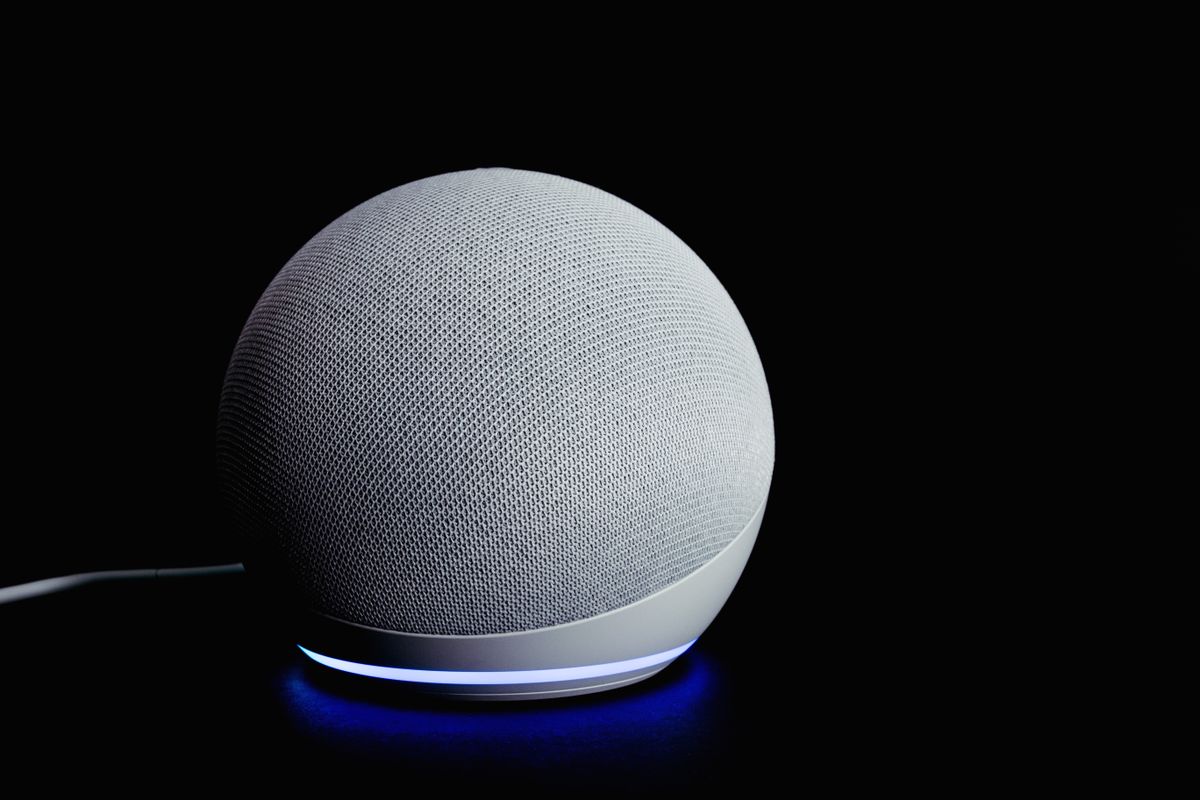
Imagine being able to turn on your lights, set an oven timer, or call your daughter without ever having to touch a button or find your glasses. That is the power of a smart home voice assistant.
Getting Started with Voice Control
The easiest way to start is with a smart speaker. These small devices sit on your counter and listen for a “wake word” like “Alexa” or “Hey Google.”
How Voice Assistants Help Seniors
- Reminders: “Remind me to take my medicine at 8 AM every day.”
- Safety: “Call for help” can be programmed to alert specific contacts.
- Convenience: Controlling the thermostat or lights without getting up.
Is It Safe?
Privacy is a common concern. Most devices have a physical switch to turn off the microphone when you want absolute privacy.
Pros and Cons
Pros:
- Incredible convenience for those with limited mobility
- Helps bridge the gap for those who struggle with small screens
- Acts as a digital companion and information source
Cons:
- Requires a stable Wi-Fi connection
- Initial setup might require help from a family member or friend
Check Price on Amazon
You can find the latest smart speaker models on Amazon. We recommend starting with a model that has a screen (like the Echo Show) as it provides visual confirmation for everything the voice assistant says.