Setting Up a Smartwatch for a Senior: 5 Tips for Success
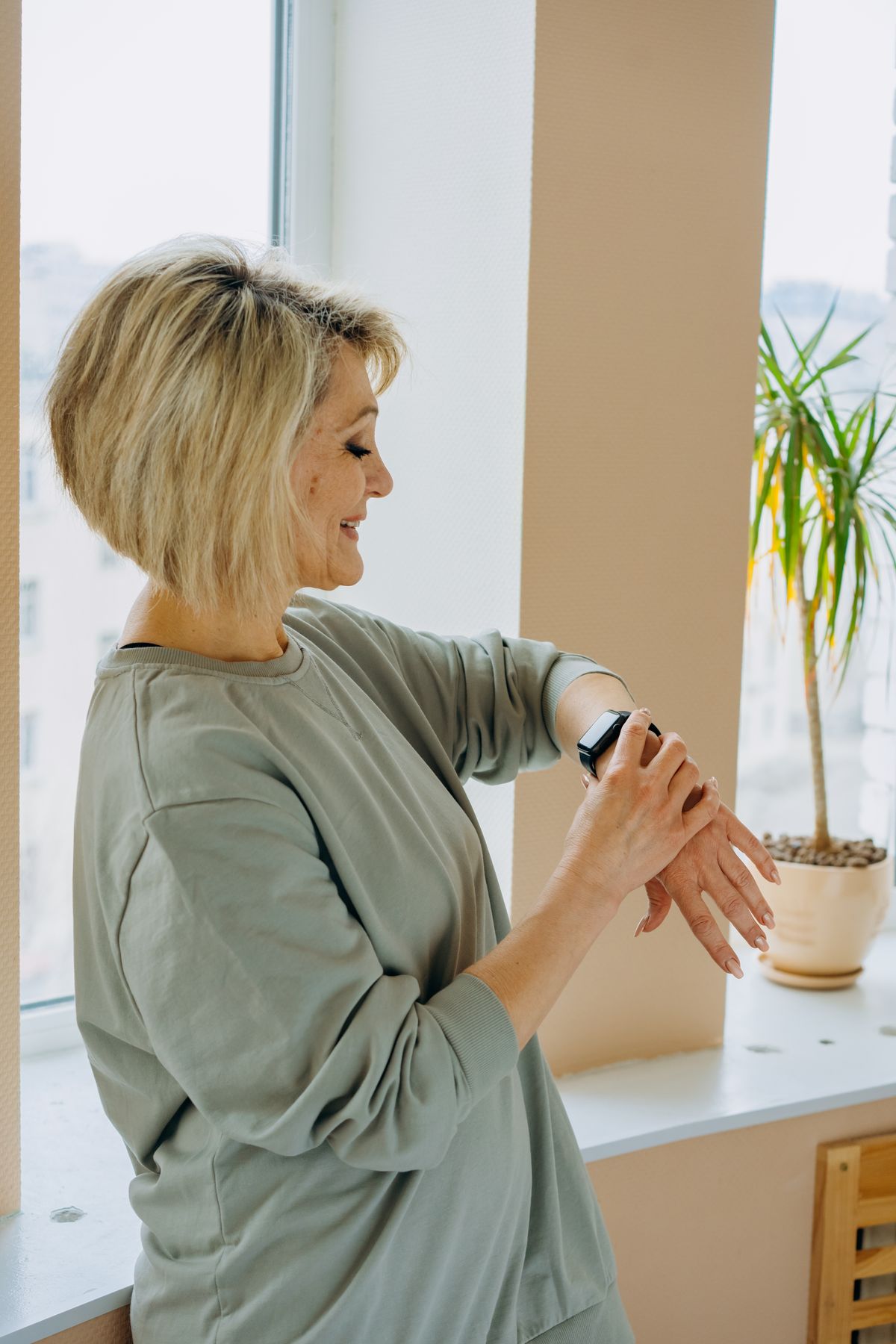
Setting Up a Smartwatch for a Senior: 5 Tips for Success
Buying a device like a Fitbit Versa 4 or a Garmin Venu 3 is only the first step. Proper setup is the key to ensuring the device is actually worn and enjoyed.
1. Simplify the Watch Face
The most common mistake is leaving a cluttered, data-heavy watch face on the device. Change the face to a high-contrast, simple design that prominently displays the time in large text.
2. Customize Notifications
Seniors generally don’t want their wrist buzzing for every promotional email. Go into the companion app and turn off all notifications except for Phone Calls and essential Messages.
3. Set Up Emergency Contacts Properly
If you are using a device like the Apple Watch Series 11, ensure the Medical ID is filled out completely and that Fall Detection is toggled ON (it is not always on by default!).
4. Establish a Charging Routine
Help them build a habit. Suggest they charge their Smart Health Ring or watch while they are in the shower or during morning coffee, so they never run out of battery during the day.
5. Do a “Test Run”
If the watch has an SOS button or fall detection, do a practice run together. Show them exactly what happens when the button is pressed so they aren’t afraid of setting off a false alarm.