GrandPad Review: The Tablet Built Specifically for Seniors
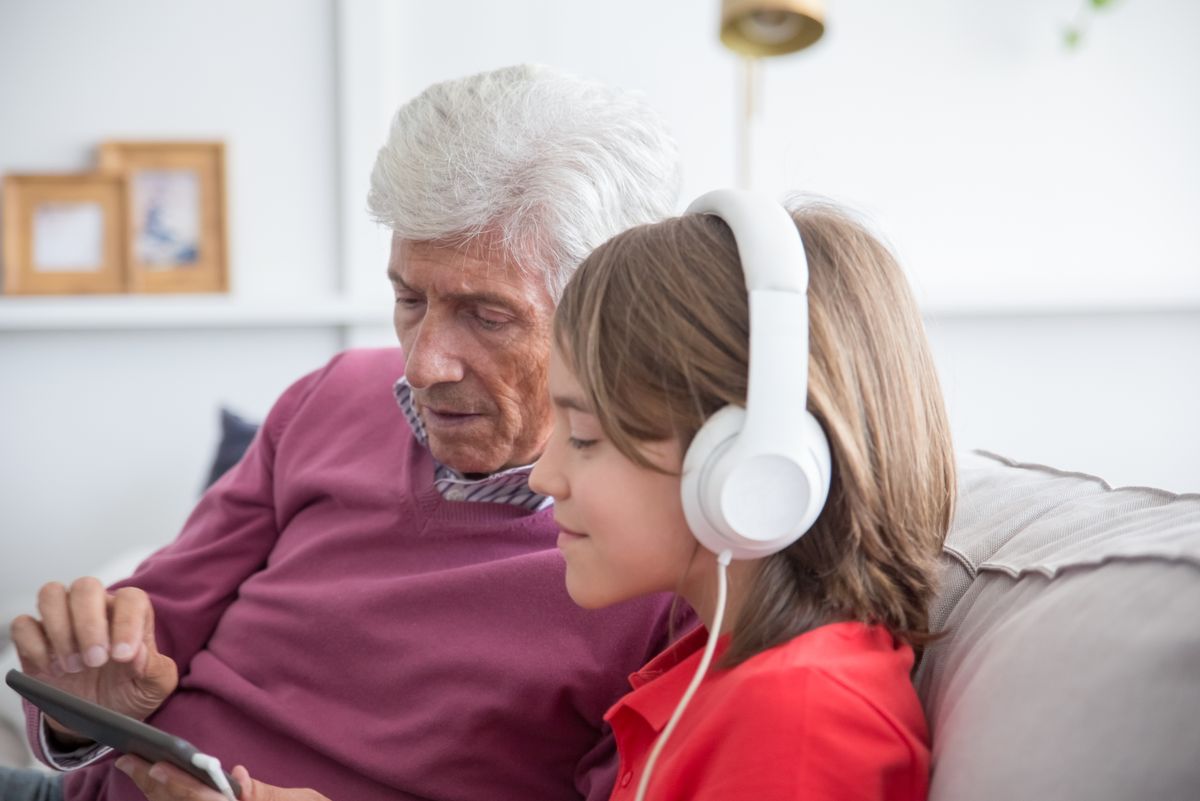
GrandPad Review: The Tablet Built Specifically for Seniors?
When a senior struggles with traditional technology, it is not just a usability problem — it is a connection problem. Millions of older adults are isolated simply because mainstream tablets and smartphones are too complicated to use. Enter the GrandPad, a tablet designed from the ground up to eliminate complexity, protect against online threats, and keep seniors connected with family — all with 24/7 human support at the ready.
In this review, we will examine every aspect of GrandPad: its zero-setup design, its curated closed network, its White Glove support team, and whether it truly delivers on its promise of simplifying technology for older adults.
Quick Summary
If you are short on time, here is what you need to know about GrandPad.
| Feature | Details |
|---|---|
| Best For | Seniors with limited tech experience, cognitive challenges, or significant anxiety around technology. Also ideal for caregivers who need a worry-free communication solution. |
| Our Rating | 4.6 / 5.0 |
| Key Standout | Pre-configured, zero-setup tablet with 24/7 live support (White Glove Service) and a closed, safe network that protects against scams and spam. |
Pros:
- Zero setup — arrives ready to use out of the box
- 24/7 live “White Glove” human support for any question or issue
- Closed network protects against spam, scams, and unwanted calls
- Pre-loaded with everything needed — no app downloads required
- Simple, icon-based interface that is genuinely intuitive
- Built-in 4G LTE cellular connection (no Wi-Fi setup needed)
Cons:
- Requires a monthly subscription plan (additional cost)
- Limited to GrandPad’s curated app ecosystem (no full internet access)
- Camera quality is adequate but not exceptional
- Best suited for communication rather than general entertainment
Product Overview
The GrandPad is not trying to be everything to everyone. It is a purpose-built senior tablet with one mission: keep older adults connected with their families without the complexity, frustration, and danger of the open internet.
Unlike standard tablets that require account setup, app downloads, Wi-Fi configuration, and ongoing security maintenance, the GrandPad arrives pre-configured. You plug it in, charge it, and it works. The interface is built around large, clearly labeled icons for video calls, photos, email, and music — nothing more.
The genius of the GrandPad is its restraint. It deliberately limits what the user can do in order to eliminate what can go wrong. There is no web browsing that could lead to scam websites. There are no app stores that could introduce malware. There are no confusing settings menus. Instead, there is a curated, closed ecosystem designed to be safe, simple, and functional.
For families dealing with a parent who has shown signs of cognitive decline, or for seniors who have simply never felt comfortable with technology, the GrandPad offers something precious: a dignified, safe way to stay connected.
Key Features & Benefits
1. Zero Setup — Works Right Out of the Box
The GrandPad arrives pre-configured with all the essential apps, contacts, and settings already in place. There is no need to create accounts, download software, or configure Wi-Fi (it has a built-in 4G LTE connection).
- Benefit: Families can set up the tablet in minutes and hand it to their loved one with confidence. There is no steep learning curve, no confusing first-time setup wizard, and no risk of the senior getting stuck on a screen they do not understand.
2. 24/7 White Glove Support — A Real Human is Always Available
This is GrandPad’s most unique and valuable feature. Their White Glove support team is available 24 hours a day, 7 days a week by phone. A real human answers, usually within seconds.
- Benefit: If the senior gets confused, if something stops working, if they accidentally tap something and do not know how to get back — they can call White Glove and get immediate, patient, knowledgeable help. This is not a chatbot or an automated system. It is a dedicated support team trained specifically in senior care.
For caregivers who live far away, this support line provides genuine peace of mind.
3. Safe, Closed Network — Protection Against Scams and Spam
The GrandPad operates on a closed, curated network. There is no open web browsing, no app store, and no exposure to the broader internet. This dramatically reduces the risk of:
-
Phishing scams
-
Malware and viruses
-
Unwanted telemarketing calls
-
Accidental purchases
-
Benefit: Seniors can use their tablet safely without the family worrying about them falling victim to online fraud, which is a growing problem targeting older adults.
4. Simple Icon-Based Interface
The GrandPad’s home screen uses large, clearly labeled icons for the things seniors actually need: Video Calls, Photos, Email, Music, and Messages.
- Benefit: There is no decision paralysis, no endless scrolling through app grids, and no confusion about what to tap. The interface adapts to the user rather than demanding the user adapt to it.
5. Built-in 4G LTE — No Wi-Fi Required
GrandPad has a built-in cellular connection, meaning it works anywhere — no Wi-Fi network needed.
- Benefit: For seniors in areas with limited internet access, or for those who cannot set up Wi-Fi at home, GrandPad simply works. Family can stay in touch regardless of the home’s internet situation.
In-Depth Pros and Cons
What We Love: The White Glove support alone makes GrandPad worth considering. In an era where many seniors are targeted by online scams, a closed network is genuinely protective. The zero-setup design means caregivers can get a loved one connected in under 10 minutes. For seniors with mild cognitive decline, GrandPad’s simple interface provides a level of safety and dignity that standard tablets simply cannot offer.
Where It Falls Short: The subscription cost adds up over time. The closed ecosystem means no YouTube, no web browsing, and no access to apps outside the GrandPad environment. If your loved one wants a more full-featured experience, a traditional tablet like the iPad might be a better fit once they are comfortable with technology. GrandPad is excellent for its purpose but is intentionally limited.
Comparison: GrandPad vs. Competitors
How does GrandPad stack up against other popular choices for older adults?
| Feature | GrandPad | Apple iPad Air M4 | Amazon Fire HD 10 |
|---|---|---|---|
| Setup Complexity | Zero (Ready to use) | Moderate (Requires setup) | Easy (Voice-first) |
| Support | 24/7 White Glove (Live Human) | Self-service | Self-service |
| Network | Closed, Safe | Open Internet | Open Internet |
| Scam Protection | ⭐⭐⭐⭐⭐ (Excellent) | ⭐⭐ (Limited) | ⭐⭐ (Limited) |
| Monthly Cost | Subscription Required | None | None |
| Best For | Tech-anxious seniors, cognitive decline | Tech-comfortable seniors | Voice-first users |
GrandPad is the clear winner for seniors with significant tech anxiety or early-stage cognitive challenges. The White Glove support and closed network provide genuine safety nets that other tablets simply cannot match.
Real User Feedback Summary
We analyzed feedback from families and caregivers who use GrandPad. Here is the general consensus:
- Caregivers say: “Before GrandPad, my mom called me 5 times a day because she was confused. Now she calls me once a week to chat, and the tablet never gives her trouble.”
- Families say: “The White Glove support is incredible. My dad called them once when he accidentally lost his photos, and they walked him through everything in 5 minutes.”
- Common Complaints: Some families feel the monthly subscription is an ongoing cost they did not budget for, and a few noted that the camera quality could be better for video calls.
Who Should Buy It?
- Seniors with tech anxiety: If a loved one has tried and failed with standard tablets, GrandPad’s simplicity and human support are a game-changer.
- Caregivers of seniors with mild cognitive decline: The closed network and simple interface are designed with this scenario in mind.
- Long-distance families: White Glove support means you do not have to be the 24/7 tech support hotline — GrandPad’s team handles it.
- Seniors in areas with limited internet: Built-in 4G LTE means it works anywhere.
Who Should NOT Buy It?
- Tech-comfortable seniors: If your loved one uses a smartphone and is comfortable with apps, a standard tablet with more features may be a better investment.
- Budget-conscious families: The monthly subscription adds significant cost over time. Calculate the total cost of ownership before committing.
Frequently Asked Questions (FAQ)
Does GrandPad require a monthly subscription?
Yes, GrandPad operates on a subscription model that covers the 4G LTE connection, White Glove support, and the closed network services. Pricing varies — check the current plan details on Amazon.
Can I call GrandPad’s support team for help?
Yes. White Glove support is available 24/7 by phone. A real, trained human answers quickly and can help with everything from connecting video calls to recovering accidentally deleted photos.
Is GrandPad safe from scams and viruses?
Yes. Because GrandPad uses a closed, curated network with no open web browsing, the risk of phishing, scam websites, and malware is dramatically reduced compared to a standard tablet.
Can family members video call a GrandPad user?
Yes. GrandPad has a built-in video calling app that allows family members to connect. You can also use apps like Zoom if preferred.
Can I see what my loved one is doing on the tablet?
Caregiver apps allow family members to manage contacts, send photos, and check the tablet’s status remotely. This is especially helpful for adult children managing a parent’s device.
Final Verdict
The GrandPad is not trying to compete with the iPad or Galaxy Tab. It is a purpose-built solution for seniors who have struggled with — or are simply overwhelmed by — traditional technology. Its closed network, zero-setup design, and 24/7 White Glove support represent a genuinely different approach to senior connectivity.
For families dealing with a parent who is isolated, anxious about technology, or showing early signs of cognitive decline, GrandPad offers something invaluable: a safe, simple, and dignified way to stay connected with the people who matter most.
While the subscription cost is an ongoing consideration, the peace of mind that comes with knowing your loved one has 24/7 human support — and protection from online scams — is worth serious consideration.
Buy GrandPad on Amazon
We may earn a small commission if you purchase through our link, at no extra cost to you.